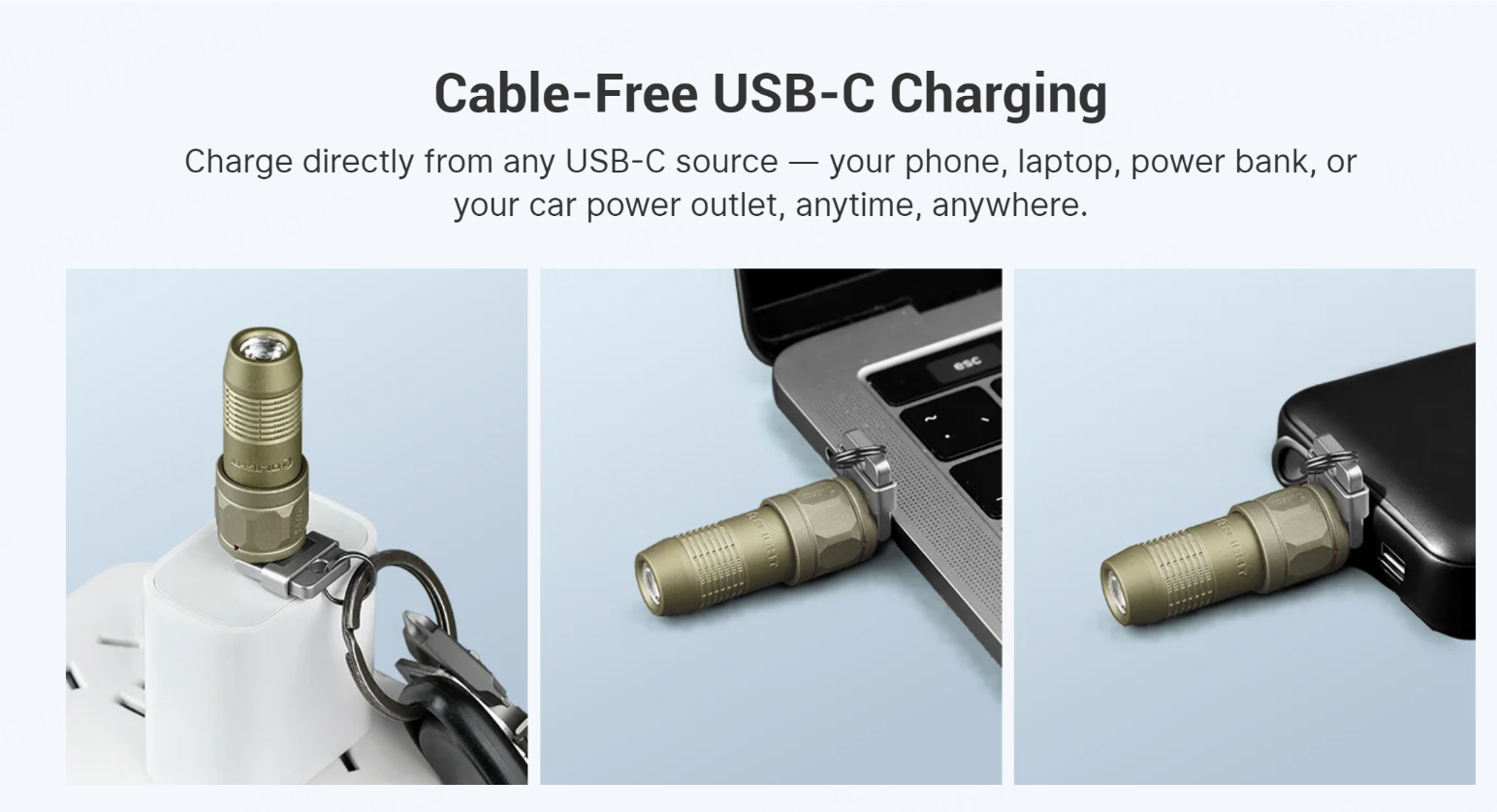

- how to charge Olight imini 2
- Olight Released New Small Keyring Torch: iUltra
- How to Charge Olight iUltra
Having a reliable light on your keychain is a game-changer for everyday situations, from finding the keyhole in the dark to locating something you've dropped under your car seat. Olight's keychain torches like the iMini 2 and the new iUltra are designed for this grab-and-go convenience. But to keep them ready, you need to know how to charge them. This guide gives you a straightforward walkthrough for both models.
How to charge Olight imini 2
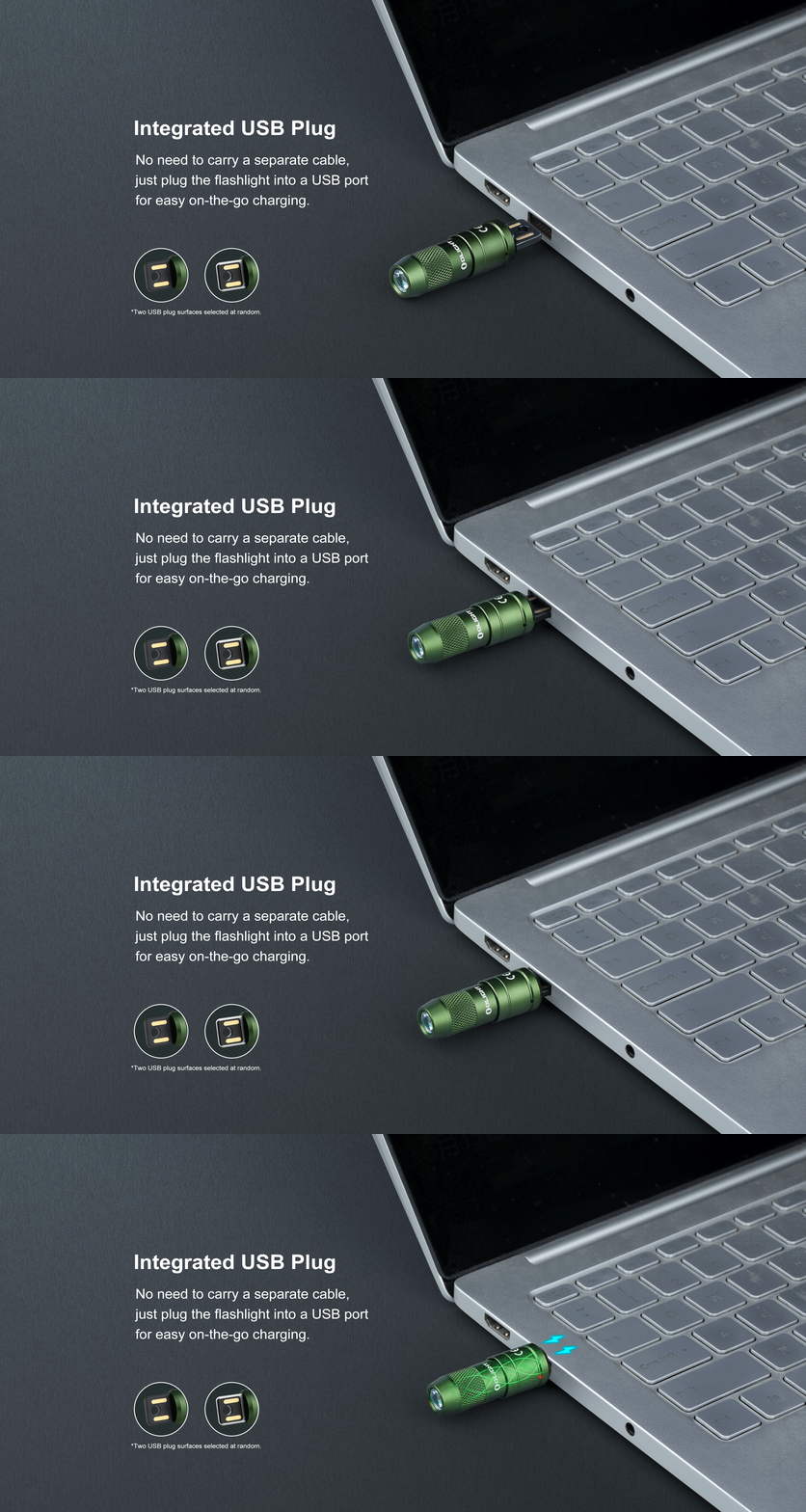
The [Olight Imini 2 Rechargeable Led Mini Torch] features a clever and unique charging system. Instead of a separate cable, the charger is built directly into the magnetic cap. Here’s how to charge it:
- Detach the Light: Simply pull the main body of the flashlight away from its magnetic cap. The magnetic connection is strong but will release with a firm tug.
- Reveal the USB Plug: The magnetic cap now acts as your charger. You will see an integrated USB-A plug on it.
- Plug and Charge: Insert the cap's USB-A plug into any standard USB power source. This can be a laptop, a power bank, a wall adapter, or your car's USB port.
- Check the Indicator: A small indicator light on the cap will turn red to show it's charging. Once the battery is full, the light will turn green.
This cable-free design means you have one less thing to carry. As long as you have access to a USB port, you can top up your iMini 2.
Olight Released New Small Keyring Torch: iUltra
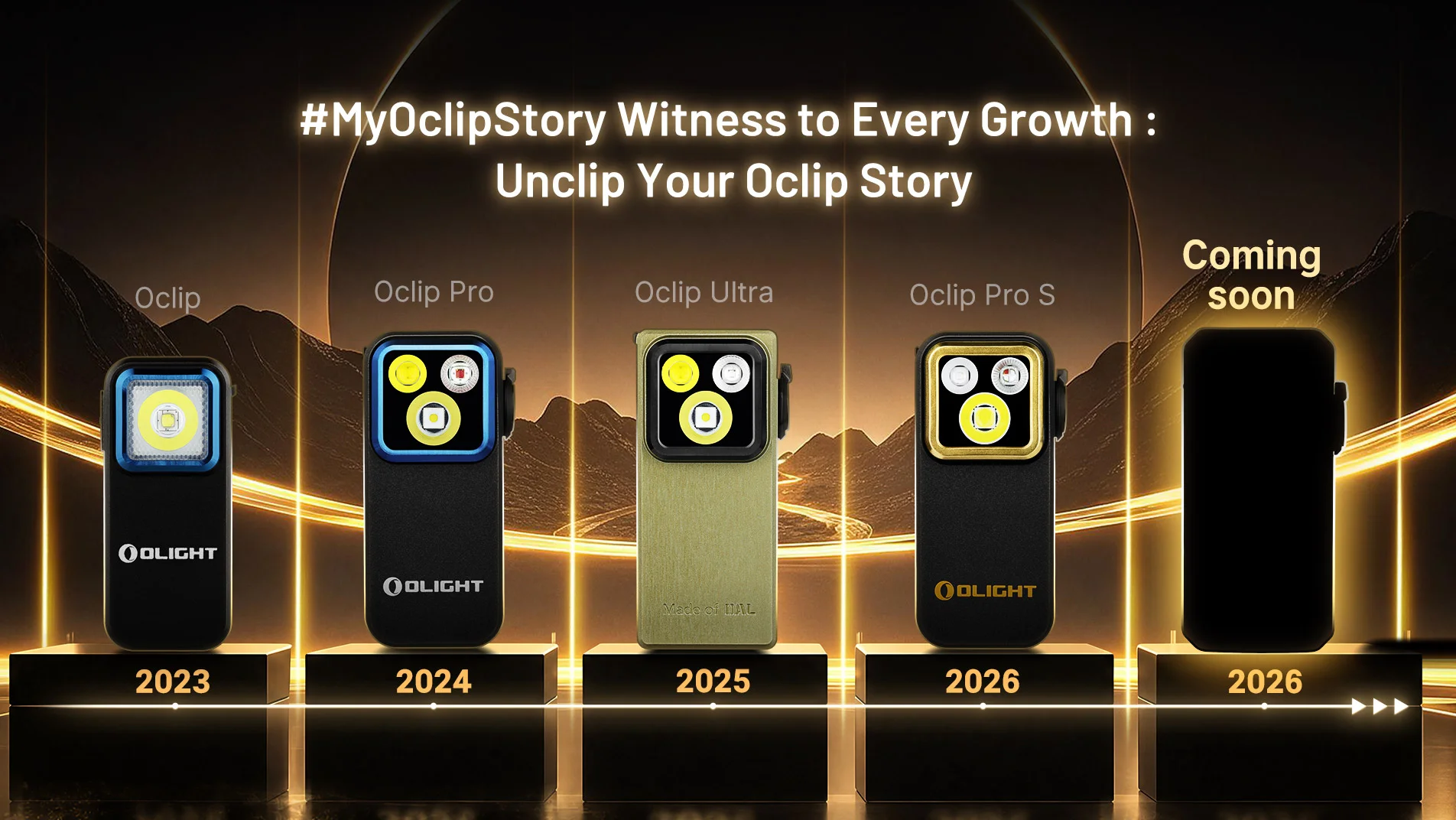
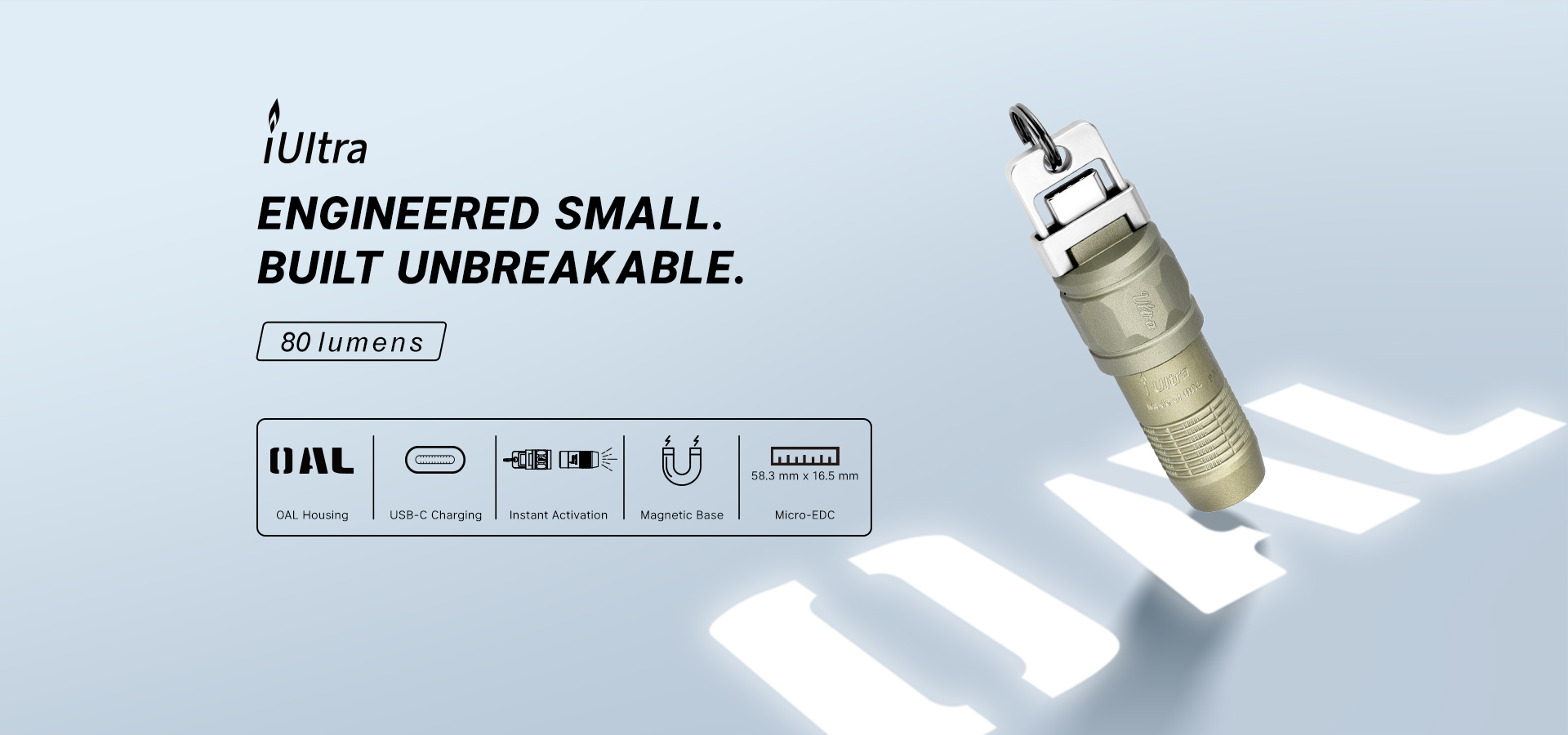
Building on the success of the iMini 2, Olight has introduced the [Olight iultra Mini UEB-C Keyring Torch]. This new model is an evolution in keychain lighting, designed to be tougher and even more convenient.
Key upgrades include: * Brighter Output: Delivers 80 lumens, which is 60% brighter than the iMini 2. * Enhanced Durability: Crafted from Olight's proprietary OAL™ aluminum, making it exceptionally scratch-resistant and durable. * Universal Charging: Features a modern USB-C charging port for broader compatibility.
How to Charge Olight iUltra
The iUltra simplifies charging by adopting the universal USB-C standard. This is a significant update for users who prefer not to use a proprietary charger.
- Access the Port: The iUltra has a small, protective flip-cover on its body. Simply lift this cover to reveal the built-in USB-C charging port.
- Connect the Cable: Plug any standard USB-C cable into the port.
- Power Up: Connect the other end of the cable to your preferred USB power source, such as a phone charger, computer, or portable power bank.
- Monitor the Status: An indicator light will let you know when it's charging and when it's complete.
This system allows you to charge the iUltra without detaching it from your keychain, using the same cables you likely already carry for your phone and other devices. It's the ultimate in charging convenience for a modern EDC flashlight.