Quick answer
Choose ArkPro Lite if you regularly need dim red light for close tasks after dark, like finding gear in a shared tent. Choose ArkPro if you switch between lighting a work area, spotting a distant object and pointing out one exact spot. Both offer UV and USB-C charging.
| What to compare | ArkPro | ArkPro Lite |
|---|---|---|
| Light sources | White flood, white spot, UV and green laser | White light, red light and UV |
| Controls | Dial for flood, spot and UV. Side button for laser. | Dial for white, red and UV. Centre switch operates the selected light. |
| White peak output (lm) | 1,500 lm flood or 800 lm spot. Spot rated to 205 m. | 1,200 lm from one white beam. |
| White runtime on Low, 15 lm (h) | 72 h flood or 66 h spot | 54 h white |
| Pocket size (L × W × H) and mass | 124 × 27 × 16 mm, 115 g | 111 × 27 × 16 mm, 105 g |
| Battery capacity and charging | 2,000 mAh built in, USB-C and magnetic MCC | 1,350 mAh built in, USB-C and magnetic MCC |
Which light will you actually use?
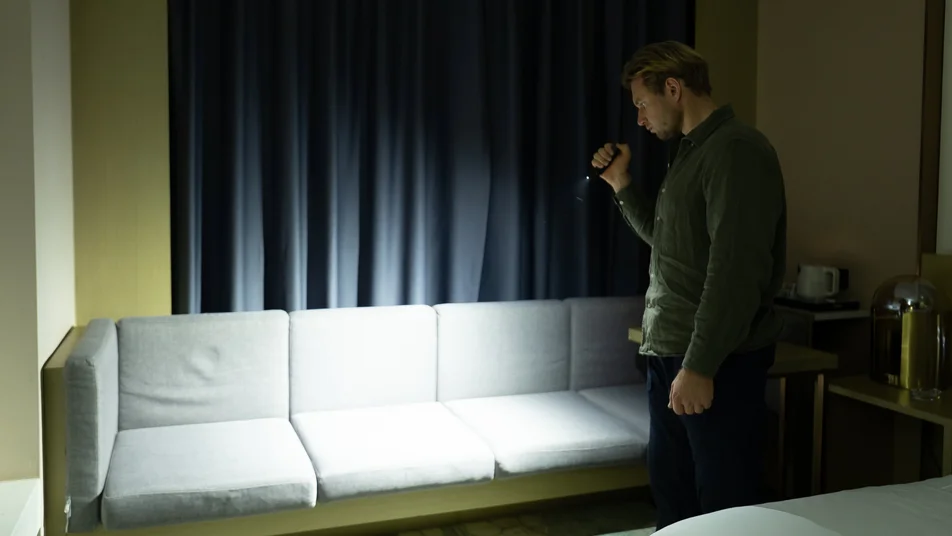
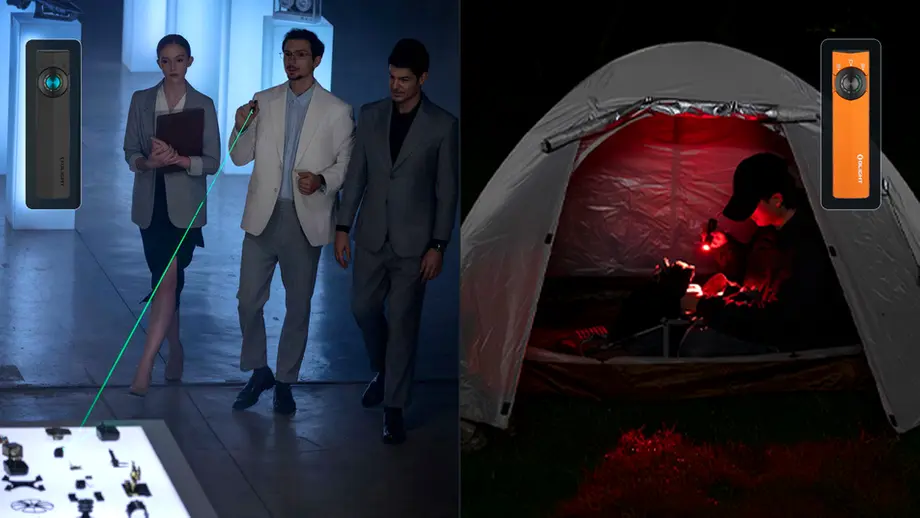
Think about the last couple of jobs your current torch made awkward. In a shared tent, rummaging for a power bank calls for just enough light to see what’s in the bag. In the garage, showing someone the position of a small fastener takes a precise reference point. A red LED lights an area. A green laser puts a dot on a surface. Choose the feature that solves a job you do often.
If your day is mostly door locks, footpaths and checking inside bags, start with beam spread, access to a low setting and how the clip sits. Those three details do more of the work than the extra emitters on either pocket torch.
How do ArkPro Lite, ArkPro and Ultra differ?
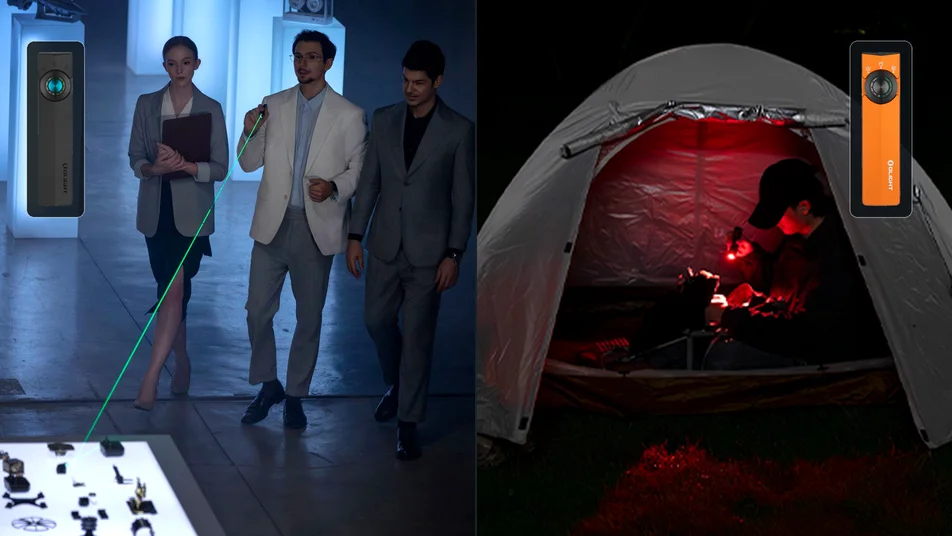
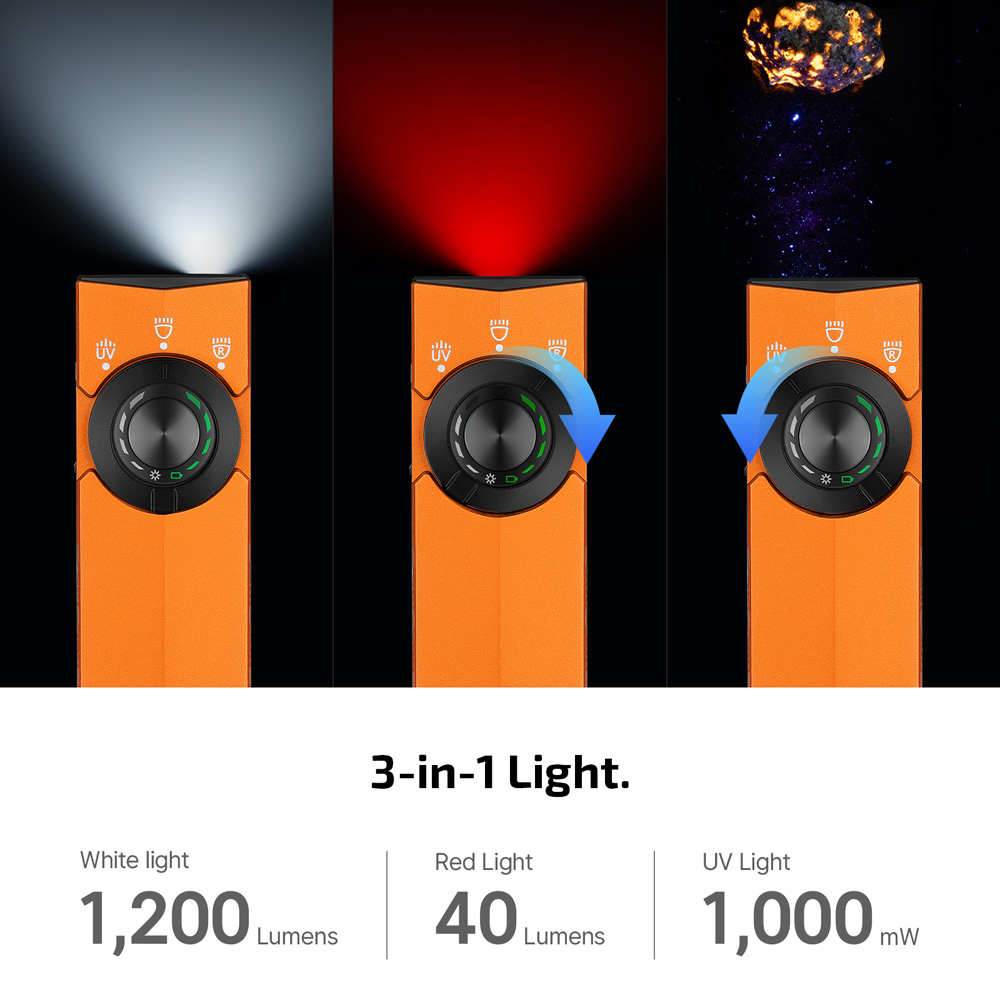
The ArkPro Lite has one white beam, a dedicated red LED and UV. Olight lists red at 5 lm on Low and 40 lm on High. Start on the lower setting to sort gear or read a printed checklist near a sleeping tentmate. Switch to white when you need to distinguish similar colours on a map or see the edges of a path. The shorter body saves 13 mm of pocket length.

Olight ArkPro Lite
Compact pocket torch with a red LED
Read or sort gear after dark
Use red Low for close tasks, and turn the dial to white when detail or colour matters. The Australian product link opens the ArkPro Lite in Orange CW, the colour shown here.
View ArkPro LiteOn the series page, ArkPro Ultra identifies the OAL alloy model with Olight’s EIP 1 flood LED. Its four-source layout follows the standard ArkPro, including the green laser. The Lite is the red-light model in the series. Check the model tab on the shared listing before comparing finishes or prices.
When do ArkPro’s four light sources help?
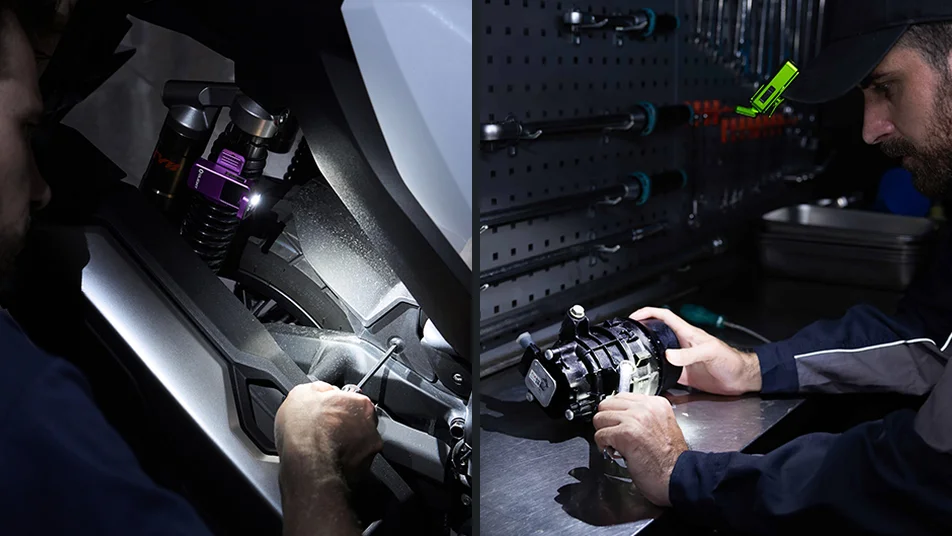
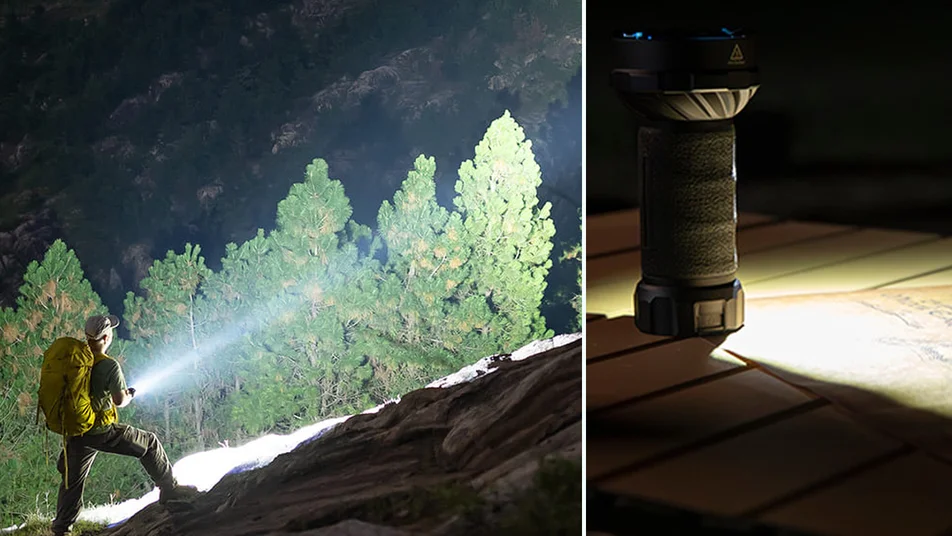
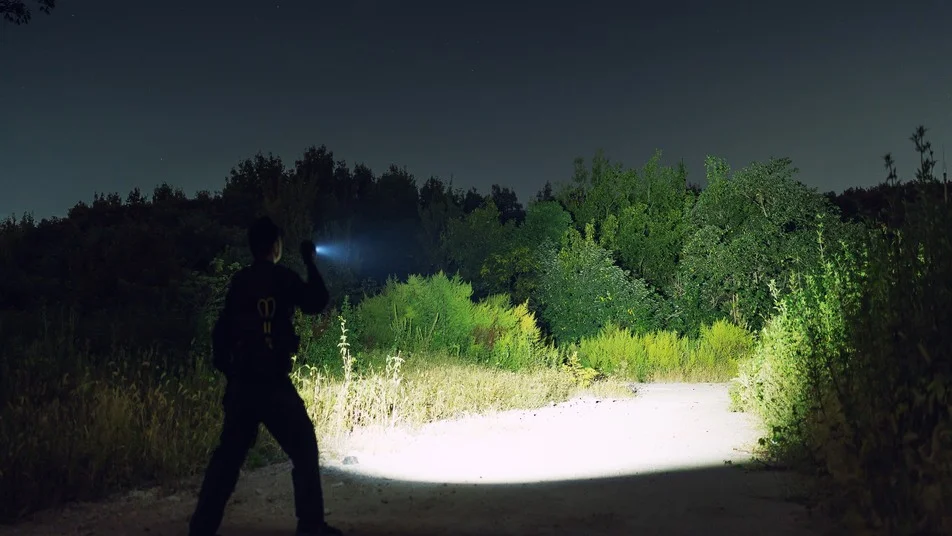
The standard ArkPro has two white beams with separate optics. Flood spreads white light across the bench or engine bay. Spot concentrates it for a brief look at a gate latch at the far end of the drive. Olight rates flood at up to 1,500 lm and spot at 800 lm with up to 205 m of rated reach. The dial chooses flood, spot or UV. The green laser has its own side button and works by itself or with any one of the three dial-selected sources. Those four individual sources and three pairings make up the seven configurations.

Olight ArkPro
Flat multi-function torch for varied jobs
Light a work area from above
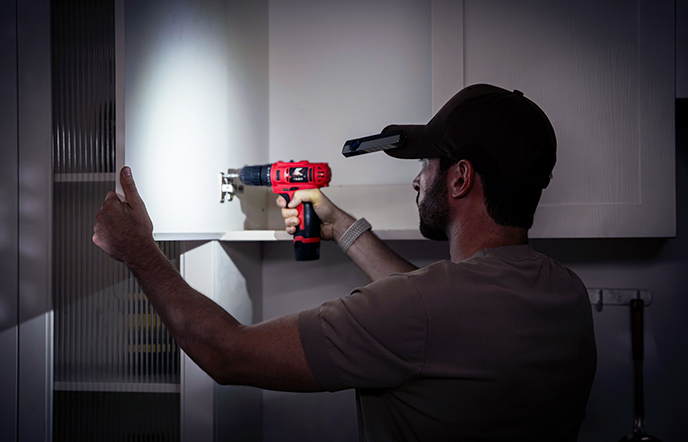
The magnetic base can hold the torch under a suitable steel bonnet. Use flood for a broad view of the work area and switch to spot when you need a tighter white beam.
View ArkProUse the green dot only to point out a fixed detail on a matte surface in controlled surroundings. For example, during a garage walkthrough you could identify a clip on an uninstalled plastic trim panel while both people stay out of the beam path. Check the laser label and instructions for the exact version. Keep the beam clear of people, animals, reflective surfaces, vehicles and aircraft, and keep the torch away from children. (ARPANSA laser hazards and safety)
UV on either model can reveal a mark you already know will fluoresce, such as compatible inspection dye on a part. A glow tells you where to look next. Confirm the mark by checking the part or following the product’s inspection procedure. Authenticity, cleanliness and disinfection require separate verification. Follow the torch manual and keep UV off eyes and skin. (ARPANSA ultraviolet radiation guidance)
How do the controls change everyday use?
Pick the beam on the dial before turning the torch on. On the Lite, use the centre switch for the selected white, red or UV mode. On the standard ArkPro, use it for the selected flood, spot or UV mode. The separate laser button on ArkPro lets you leave the white beam selected for the next job. Use the following checks to decide what belongs in your pocket.
| Task | Light to use | Alternative |
|---|---|---|
| Find a pouch or read a list in a shared tent | Lite red Low at close range. | Use a low white setting aimed down if you need to read colours. |
| See both sides of a nearby work area | ArkPro flood for even coverage. | Use a fixed work light if you will be there for a long job. |
| Check a detail further away, then inspect the area nearby | ArkPro spot for the distant check, then turn the dial to flood. | Bring a white-light torch with reach that covers the distance you actually need. |
| Show another person a small, fixed feature nearby | ArkPro laser for brief pointing on a matte surface. | Use a finger or mark the spot with tape when you can reach it. |
Which torch fits a summer camp, garage or commute?
Summer camp. At a shared campsite, leave the Lite on red Low while you find a zip or read a label inside the tent. Keep a white setting ready for guy lines, uneven ground or fine print. If you need both hands to pitch the tent or carry water, take a head torch with you.
Garage jobs. On a late repair, set the ArkPro on a stable steel surface with the flood aimed across the work. Test that it holds before letting go. If the support is aluminium or the beam misses the part, use a suitable clip position or set up a work light. Use the laser only when the surface and surroundings let you point safely.
Evening commute. Try the torch in the pocket you actually use. The Lite’s smaller length may clear the seam when you sit down. If you need to look across a car park from a safe spot, the ArkPro’s spotlight gives you another white beam to choose. Point white light at the ground near other people and use lockout before putting the torch back in your bag.
How should you read output and range ratings?
Consider what a beam can show at your working distance. The ArkPro’s 205 m figure applies to its spotlight under Olight’s rating conditions. A small dark latch is harder to make out at the same distance than a large pale sign. Indoors, judge the flood by how much of the job it shows at once and whether a lower setting keeps glare down.
High brightness also changes over time. Olight lists roughly four minutes at the initial Turbo output for both the Lite’s white light and the ArkPro’s flood. The published next levels are 350 lm for the Lite and 520 lm for ArkPro flood. For an extended job, compare the lower settings you can comfortably use throughout. At the same 15 lm white setting, the published figures are 54 hours for Lite white, 72 hours for ArkPro flood and 66 hours for ArkPro spot. Equal lumen settings can still illuminate different areas.
Both models carry an IPX7 water rating. Take the torch out of a parked car on hot days and give it time to cool before charging. Keep the USB-C port dry and check the supplied manual for the operating and charging temperature limits.
What should you carry with your torch?
Keep a short USB-C lead with a power bank if you camp or commute with one. At home, a compatible magnetic MCC lead can stay where you empty your pockets. Both batteries are built in, so carry a separately charged light when you depend on it to finish the job or get back after dark.
For hands-free use, check that the clip holds the fabric or strap you plan to use and that the light lands where you’re looking. A firm attachment under a steel bonnet suits a fixed job. For a longer task that takes you from place to place, an adjustable head torch is easier to aim while carrying tools.
What should you check before buying?
Start with fit. The two bodies are equally wide and thick, and the Lite is 10 g lighter. If you keep your torch beside a phone, check which clip position leaves room to draw both. Then pick the light source you use most often and check its brightness and runtime in the column for that exact model in the Olight ArkPro series manual.
On the product page, confirm the selected model and colour, the charging equipment in the box and the laser label on the standard ArkPro version you are considering. Compare the current Australian prices once you know which light sources solve a recurring problem.
Which torch should you choose?
Choose ArkPro Lite if you regularly need dim red light for close work and prefer a shorter torch. Choose ArkPro if you often switch between close work and distant checks or need to point out a precise spot. Keep your torch if it already handles the white-light jobs you do every day. For a simpler pocket torch, browse the Australian EDC torch range.
Frequently asked questions
Which multi-function torch features matter most for everyday carry?
Start with the white beam you can use for your usual close tasks, a low setting you can reach easily and a clip that holds securely. Add red light for dim tent tasks, or pick separate flood and spot beams if you regularly move between close work and more distant checks.
When is the ArkPro a better choice than the ArkPro Lite?
Choose the ArkPro when your day regularly alternates between a wide area and a distant detail, or when you need to point out a precise spot to a colleague. Its separate flood and spot beams and independently controlled green laser cover those jobs. The Lite is the series option for red area lighting.
What are the limits of the ArkPro for this task?
The 205 m figure is the rated reach of its spotlight in Turbo. Visibility of a specific object depends on its size, reflectivity and surroundings. The flood beam covers nearby work and its peak brightness steps down. Use a secure mount or a head torch for extended work where both hands are occupied.