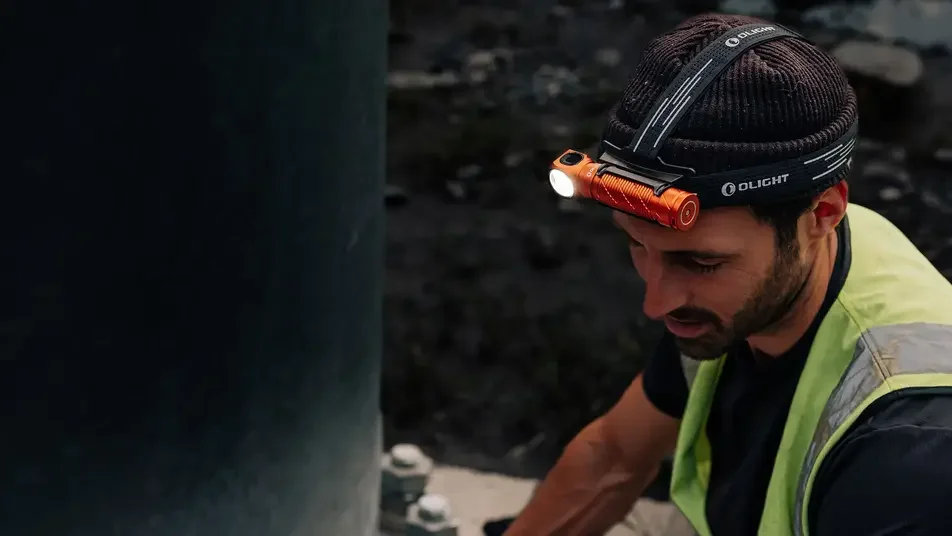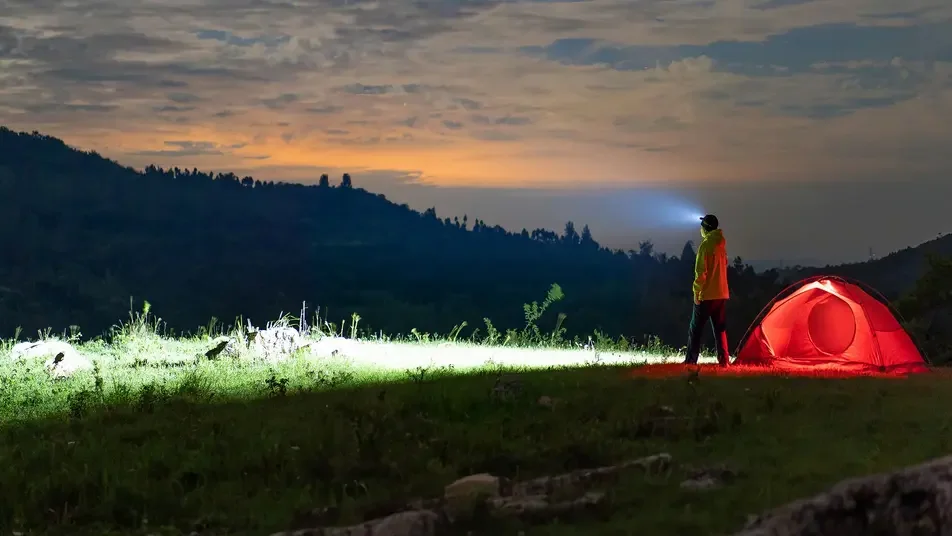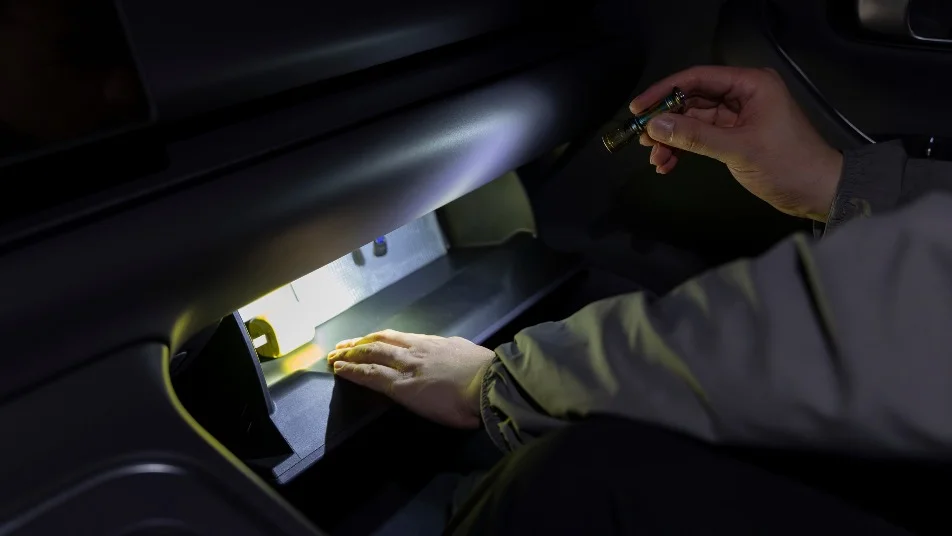

Accidental backpack activation in hot vehicles and sudden high-output blinding inside tents are common headaches for campers and 4WD tourers. Before heading into the bush, master three universal user-interface rules: engage electronic or mechanical lockout during transport, use direct shortcuts to moonlight mode for nighttime tent navigation, and understand mode memory behavior. Versatile EDC lights like the Baton 4, Warrior 3S, i5T EOS, and Arkfeld ensure effortless, safe operation across any campsite.
Accidental activation in backpacks occurs when side switches depress under gear pressure, while night blinding stems from incorrect mode memory settings. Prevent vehicle heat hazards by enabling electronic lockout or slightly unscrewing tailcaps mechanically. Always press and hold from off to instantly access Moonlight low-first lighting inside your tent.
- 1. Quick Answer: Learn Three Things on Any Torch Before a Trip
- 2. Why Do Torches Turn Themselves On in Packs and Gloveboxes?
- 3. Electronic Lockout vs Mechanical Lockout
- 4. Mode Memory, Shortcuts to Turbo and Shortcuts to Moonlight
- 5. How Do You Set a Torch to Start Low for Tent Use?
- 6. A Two-Minute Settings Drill Before You Leave Home
- 7. Heat, Runtime and Accidental Activation in Hot Cars
- 8. How can I set my torch light?
- 9. Where is the torch setting on this phone?
- 10. How to change flashlight settings?
- 11. Frequently Asked Questions (FAQ)
1. Quick Answer: Learn Three Things on Any Torch Before a Trip
Before setting off into the Australian bush, mastering your lighting user-interface prevents dead batteries, damaged pack linings, and midnight eye glare. Every camper and 4WD enthusiast should verify three core features on their torch: how to lock it securely, how its mode memory behaves, and how to bypass memory to enter Moonlight mode directly. Exploring our range of handheld torches or specialized camping and outdoor gear ensures you carry the ideal user-interface into the field. For tactical UI operation, review our tactical flashlight user guide.

Olight Baton 4
Outputs up to 1,300 lumens with precise side-switch controls. Features direct hold-to-Moonlight activation and built-in electronic lockout, making it the perfect pocket companion for tent lighting.
Buy Now2. Why Do Torches Turn Themselves On in Packs and Gloveboxes?
Modern high-output EDC torches utilize raised or flush side switches that require minimal force to depress. When packed tightly inside rucksacks, duffel bags, or vehicle gloveboxes, shifting equipment or tight compression straps can easily press against the switch. In high-output Turbo modes, bright LEDs generate rapid heat that can scorch synthetic fabric linings or deplete lithium-ion batteries long before reaching your campsite.
3. Electronic Lockout vs Mechanical Lockout
Securing your light against accidental activation during transport can be achieved via two distinct methods: Electronic Lockout and Mechanical Lockout. Understanding when to apply each method ensures complete peace of mind while touring.

Olight Warrior 3S
Pushes up to 2,300 lumens with a 300m throw. Features smart proximity sensors that automatically drop output if blocked, preventing thermal accidental damage inside pockets or packs.
Buy Now4. Mode Memory, Shortcuts to Turbo and Shortcuts to Moonlight
Most modern rechargeable torches incorporate Mode Memory, saving the last used brightness setting (Low, Medium, or High) when turned off. However, relying on memory alone can be risky at night. If you used High mode (500 lumens) to check campsite boundaries before bed, turning the light back on at 2 AM will instantly activate 500 lumens inside your tent, ruining night-adapted vision. Master these universal button shortcuts:
- Direct Shortcut to Moonlight (Low-First): Press and hold the side switch for 1 second from OFF. Bypasses mode memory and turns on at 0.5 to 1 lumen.
- Direct Shortcut to Turbo (Max Brightness): Double-click the side switch rapidly from OFF or ON. Instantly engages maximum lumen output for perimeter security.
- Direct Shortcut to Strobe: Triple-click rapidly from OFF or ON for disorienting emergency signalling.

5. How Do You Set a Torch to Start Low for Tent Use?
To guarantee your torch always starts in a gentle, non-blinding mode inside a tent, adopt the Hold-from-OFF habit. Never perform a quick single click if your eyes are adapted to darkness. By holding the button down, you force the micro-controller to override memory and activate Moonlight mode directly. Alternatively, tail-switch models like the i5T EOS automatically cycle through Low mode first upon initial press.

Olight i5T EOS
Powered by a single standard AA battery and producing up to 300 lumens. Features a tactical tail switch that defaults to a gentle Low setting on initial press, perfect for simple campsite navigation.
Buy Now6. A Two-Minute Settings Drill Before You Leave Home
Before packing your camping bins or touring drawers, perform a rapid 2-minute user-interface check on every light in your kit:
- Test Lockout: Engage electronic lockout and press the switch hard. Verify the light remains off or shows a red indicator.
- Test Low-First: From OFF, hold the switch for 1 second. Verify the beam turns on in Moonlight mode without flashing high first.
- Test Mechanical Backup: Slightly loosen the tailcap. Press the button to confirm power is completely disconnected.

Olight Arkfeld
Ultra-slim flat design with an intuitive rotary selector dial. Eliminates mode confusion by physically switching between white light and secondary beams before pressing power.
Buy Now7. Heat, Runtime and Accidental Activation in Hot Cars
During Australian summer touring, interior car temperatures frequently exceed 60°C. If a torch turns on accidentally inside a glovebox or under a seat in a hot vehicle, thermal stress on the lithium battery doubles. Always execute a mechanical lockout (unscrewing the tailcap) when storing gear inside vehicles for extended off-road travel.
How can I set my torch light?
Setting your torch light modes depends on its user interface. For electronic side-switch models, press and hold the button while on to cycle through Low, Medium, and High brightness levels. Release the switch on your preferred setting to lock in mode memory. To engage electronic lockout, press and hold the button for 2 seconds from OFF.
Where is the torch setting on this phone?
On smartphones, flashlight controls are located by swiping down from the top of the screen (Android Control Center) or swiping down from the top-right corner (iPhone Control Center). Pressing and holding the Flashlight icon opens a brightness slider. However, for outdoor camping, dedicated LED torches offer far greater beam throw, durable IPX8 waterproofing, and reliable physical lockout mechanisms that phone lights cannot match.
How to change flashlight settings?
Change flashlight settings by using standard button shortcuts: click once to turn ON or OFF, press and hold while ON to step through brightness modes, double-click for maximum Turbo mode, and press and hold from OFF to activate Moonlight low-first mode.
11. Frequently Asked Questions (FAQ)
Last Updated: October 2026. Published with campsite user-interface drills, lockout safety protocols, and low-first mode memory configurations for Australian campers.
Which switch lockout method do you use when packing torches into your 4WD drawers?