Quick answer
Choose the ArkPro if you want a flat pocket torch that switches between a broad flood, a focused spot and occasional inspection modes. Choose the round Baton 4 Pro if you mainly need white light, like thumb access at the tail and spend longer on low. Both charge by USB-C and magnetically.
| What matters | Olight ArkPro | Olight Baton 4 Pro |
|---|---|---|
| Pocket fit | Flat body, 124 × 27 × 16 mm, 115 g | Round body, 111 mm long × 23 mm diameter, 114 g |
| Grip and switches | Textured sides, rotary light selector, centre switch and separate laser button | Knurled grip, side switch for levels and tail switch for quick white light |
| Light sources | Separate white flood and spot, UV and independent green laser | Single white beam with five brightness levels |
| Maximum white output and rated reach | Flood 1,500 lm. Spot 800 lm, up to 205 m. | White beam 1,600 lm, up to 200 m. |
| Runtime at 15 lm in Olight’s manual | 72 h on flood or 66 h on spot | 155 h on Low |
| Battery and charging | Built-in 2,000 mAh. USB-C or magnetic MCC. | Custom 3,500 mAh 18650. USB-C or magnetic MCC3. |
What changes when your torch is flat or round?
The ArkPro is thinner and wider, so it can lie flat against a pocket seam. The Baton 4 Pro is 13 mm shorter and wraps more evenly in a closed hand. Olight’s listed weights differ by just 1 g. Pocket comfort here comes down to how each shape sits beside your phone or keys and where the clip puts the light.
Check the pocket you will actually use. With the torch off and locked, sit down, stand up and draw it with the same hand you normally use. Then try finding the first switch by feel. The ArkPro’s broad face gives you a reference for the selector. The Baton lets you reach its tail button with a thumb when you hold it in a closed grip.
When do the ArkPro’s four light sources help?
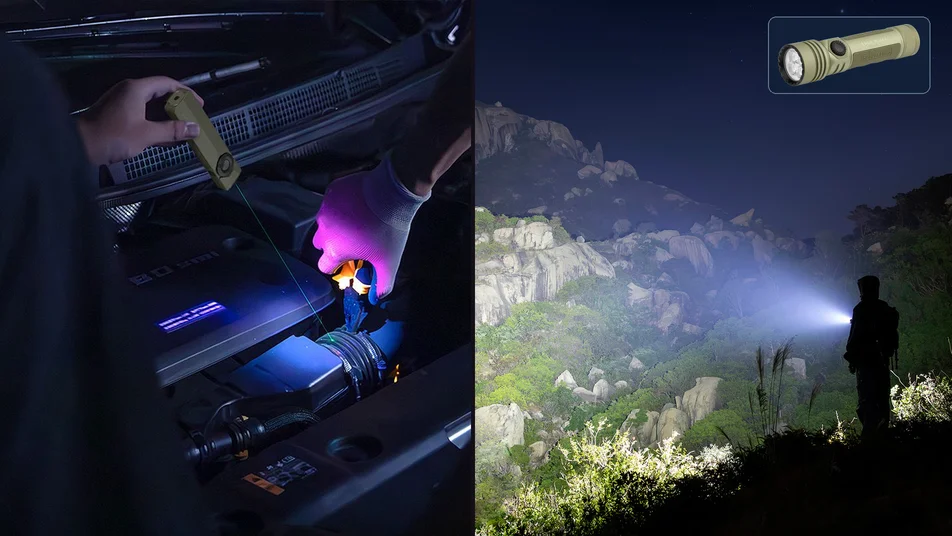
Choose flood to light a drawer or the full width of a shelf, and spot to pick out a gate latch across the yard. The ArkPro’s rotary selector selects flood, spot or UV. The separate side button controls the green laser. Each of the three dial positions can be used on its own or with the laser, which also works alone. That accounts for the seven configurations in Olight’s product guide.

Olight ArkPro
Flat torch for several kinds of small job
Switch from wide light to a spot
Use the selector for flood, spot or UV. The flat 16 mm body and two-way clip offer several carry positions. Select Matte Black CW for the finish shown.
View ArkProUse UV for a specific fluorescent mark you already know how to interpret. The green laser can point to a fixed, matte surface during a controlled demonstration. Follow the manual and keep the light away from eyes. For the laser, avoid people, animals and reflective surfaces. Fluorescence alone gives too little information to authenticate an item or confirm cleanliness. (Source: ARPANSA’s laser safety guidance)
When is the Baton 4 Pro easier to use?
The standard Baton 4 Pro is the simpler choice when white light covers most of your tasks. Its knurled cylinder lets you close your fingers around it, and the side switch cycles through brightness levels. With the torch off, a press of the tail switch gives quick access to High, useful for a brief check of a gate or garage door. The ArkPro gives you a choice of beam shapes before you select the brightness.
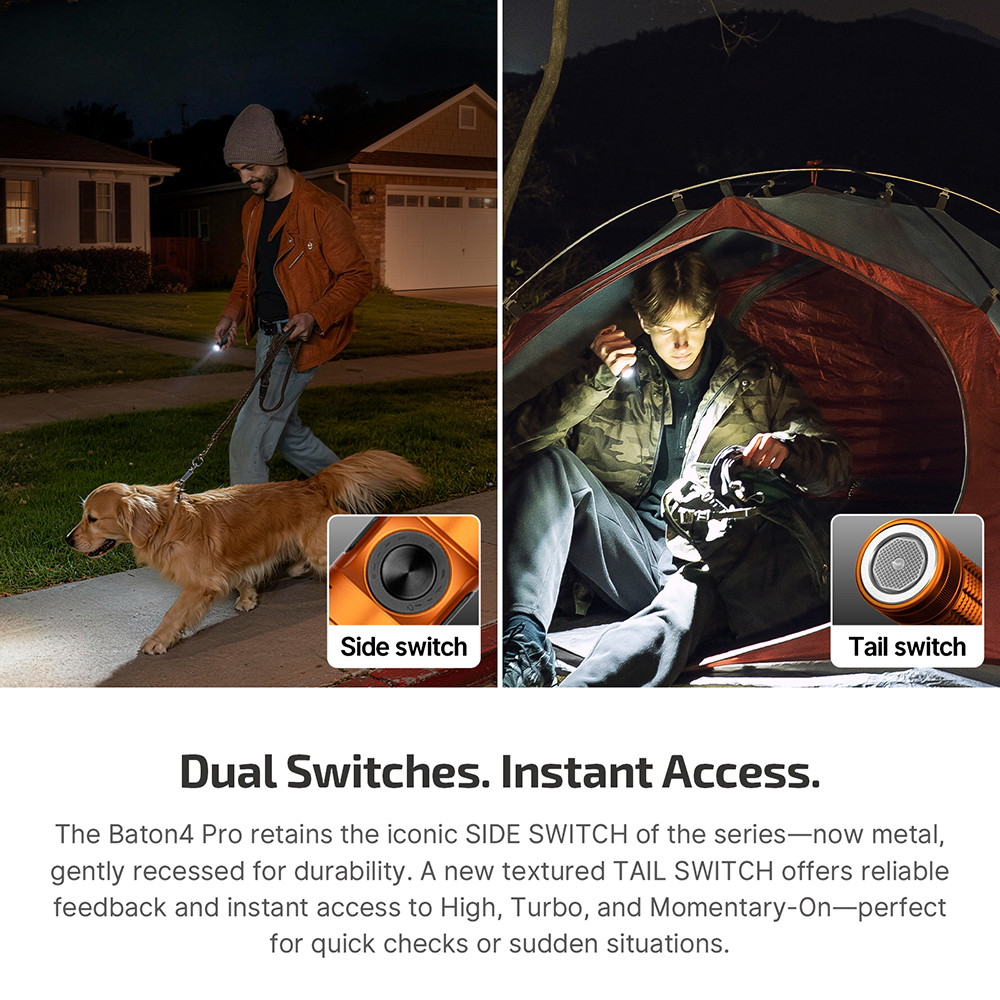
Olight Baton 4 Pro
Round torch for quick white light
Grip the body and find the tail switch
A 23 mm knurled body, separate side and tail switches, and a 3,500 mAh battery suit repeat checks and longer use at low output.
View Baton 4 ProWhich torch suits your charging routine?
Both torches accept USB-C on the go and Olight’s compatible magnetic charging lead at home. The difference is in the batteries and the published working-mode figures. The ArkPro’s 2,000 mAh cell is built in. The Baton uses a custom 3,500 mAh 18650 cell, so check the exact replacement specification before buying a spare.
For a dim task such as sorting camp gear, Olight lists 72 hours at 15 lm on ArkPro flood and 66 hours at 15 lm on ArkPro spot. The Baton is rated at 155 hours at 15 lm. At representative medium levels, Olight lists 13 hours at 100 lm for ArkPro flood and 18 hours 30 minutes at 120 lm for the Baton. Those two medium ratings give a planning reference at different outputs.
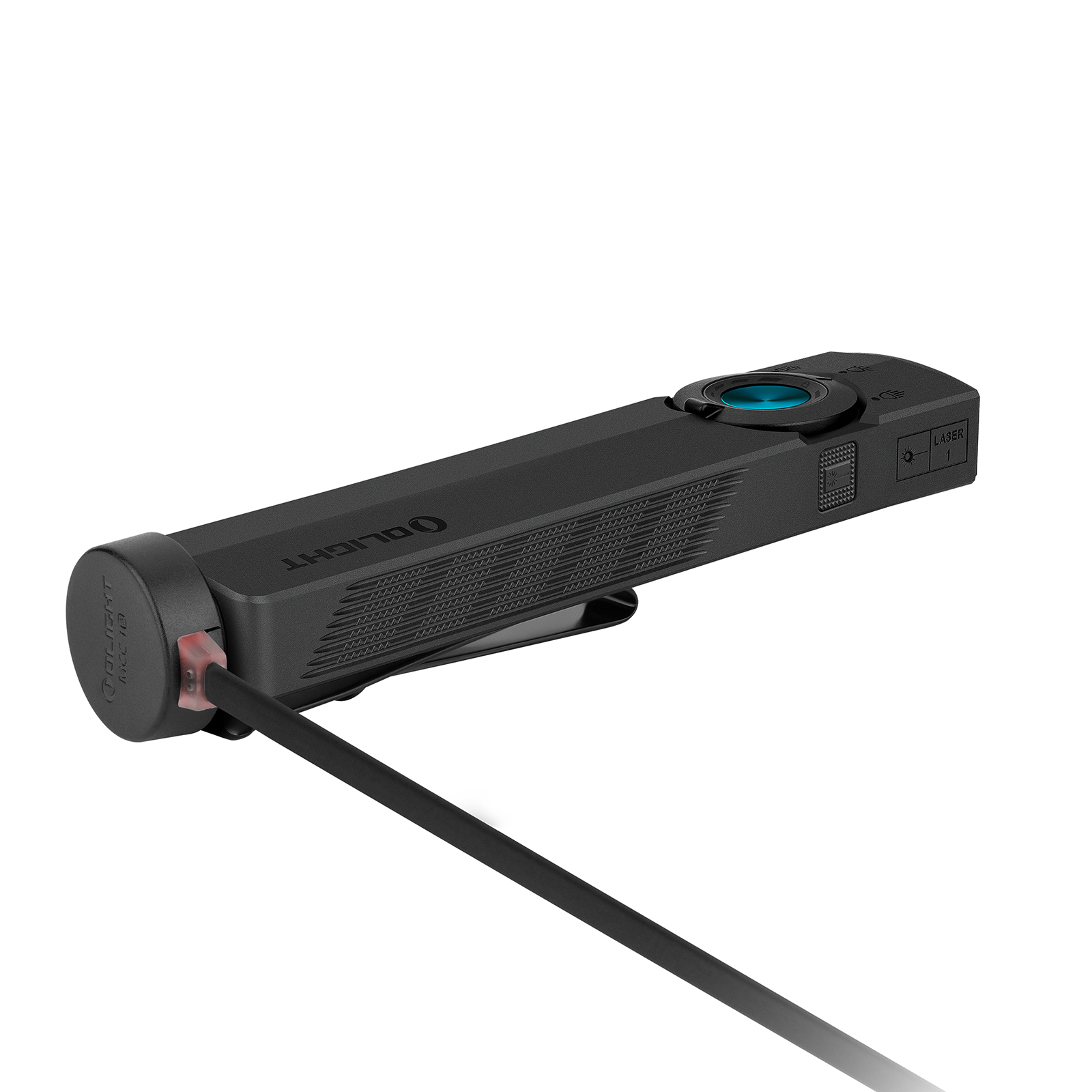
The two manuals list about 1.5 hours to charge the ArkPro over USB-C and 3.5 hours for the Baton 4 Pro under the manufacturer’s charging conditions. Give the lights time to cool after use and charge in a cool, dry place away from combustible material. Carry a rechargeable torch out of a parked car if it will sit in the sun. Read the ArkPro series manual and the Baton 4 Pro manual for charging and operating instructions. (Source: ACCC lithium-ion battery advice)
Which versions are being compared?
The specifications in this guide are for the standard ArkPro and standard Baton 4 Pro sold on the Australian store. If you see a special finish or a series page, select the exact model and check the specifications next to that option. The manufacturer lists the OAL body on its separate Baton Ultra. Treat a change in material as a variant detail and check the body, weight and output for that listing before buying.
Which torch suits the commute, garage or campsite?
Late commute. The ArkPro’s flat profile can be useful alongside a slim wallet. Use a low white setting to find the lock or check the ground at your feet. A Baton 4 Pro makes sense if you carry the torch in a work pouch and mainly want quick white light on the way from the car to the door.
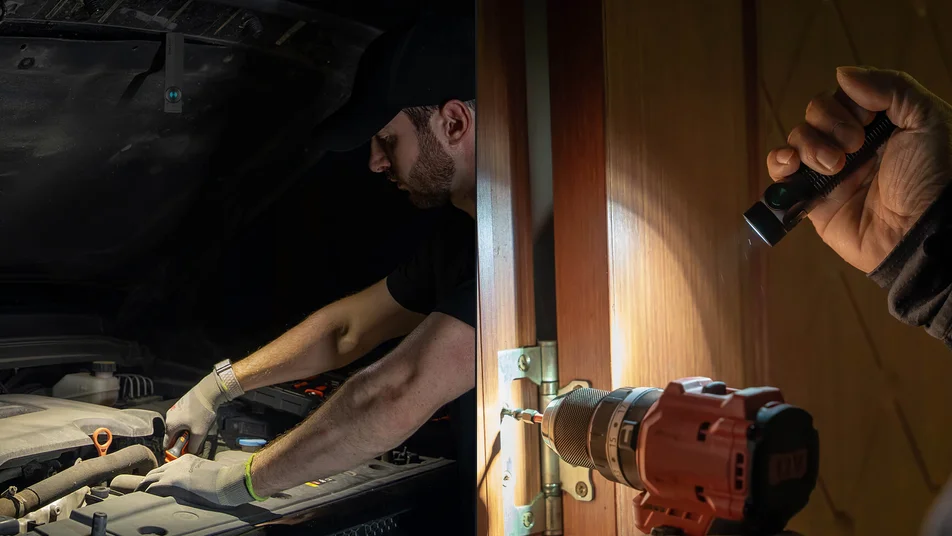
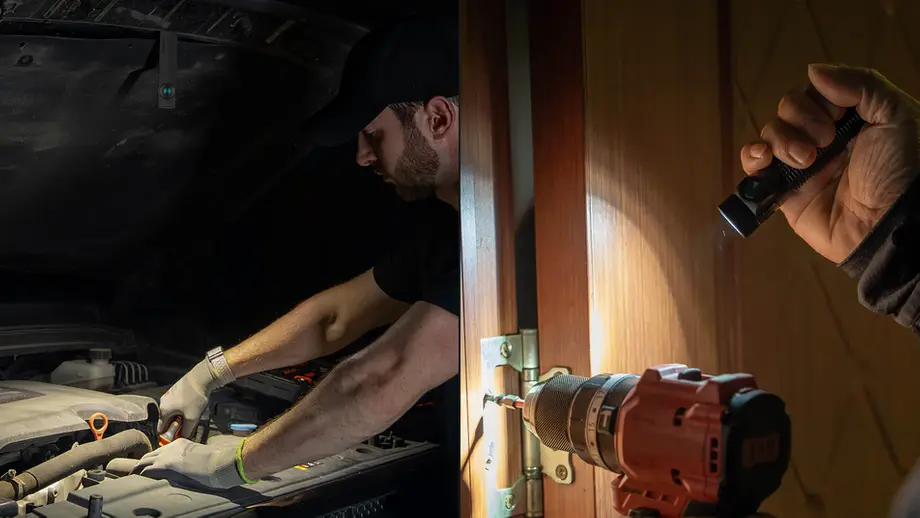
Garage check. Start with the ArkPro flood to see the entire area where you’re working. The clip or magnet can free your hands if it holds the torch securely and the beam reaches the fastener. For a quick inspection with the torch in one hand, the Baton provides a straightforward white beam and a grip you can rotate to follow the part.
Summer camp. Choose a low mode for the tent and increase brightness when walking across uneven ground. If a narrow beam helps you pick out a distant site marker, the ArkPro’s spot is useful. If you want to keep the same white beam through repeated walks and checks, the Baton’s longer published low-mode runtime gives you more time between charges. Carry a head torch for work that needs both hands over an extended period.
What do the specs leave out?
A peak rating describes the beginning of a high-output mode. In Olight’s manuals, ArkPro flood starts at 1,500 lm for about four minutes before stepping down to 520 lm. Baton 4 Pro Turbo starts at 1,600 lm for about two minutes before stepping down to 600 lm. For a long job choose the lowest mode that shows the detail you need and check its runtime.
The rated 205 m for ArkPro spot and 200 m for the Baton white beam describe reach in the specified modes. For a close task, check how much of the work surface you can see and how bright the centre looks when it hits a reflective part. Olight rates the ArkPro IPX7 and the Baton IPX8. Those are water ratings. If you need a dedicated dust or workplace protection rating, check the requirements for the job.
What should you carry with either torch?
Keep a short compatible USB-C lead with your power bank if you spend several days away. At home, keep the right magnetic lead where you normally empty your pockets. Use lockout before carrying either torch with other gear. A separate head torch gives you independent light if you need to keep both hands free or your pocket torch runs flat.
Which EDC torch should you choose?
Choose ArkPro if a thinner pocket shape or selectable flood and spot would regularly change how you work. Choose Baton 4 Pro if you mainly want a round grip, a tail switch and longer published runtime at low output. Keep your torch if you can already find the switch, light the full task and get through your usual outing between charges. See the Australian pocket torch range if you want to compare other sizes.
Frequently asked questions
Is the flatter ArkPro also lighter than the Baton 4 Pro?
Olight lists the ArkPro at 115 g and the Baton 4 Pro at 114 g. The ArkPro is 16 mm thick, whereas the Baton is 23 mm in diameter. Check whether the wider, thinner ArkPro fits beside your phone and whether the shorter Baton sits clear of your pocket seam.
Which torch runs longer at 15 lumens?
Olight lists 155 hours for the Baton 4 Pro on Low. At the same 15 lumens, it lists 72 hours for the ArkPro on flood and 66 hours on spot. Those figures compare runtime at one output level. Beam coverage and runtime at higher brightness depend on the mode.
Can one USB-C lead charge both torches?
Yes. Both accept USB-C charging from a suitable power source, so one compatible lead can serve both lights. Keep the charging ports clean and dry, let a hot torch cool first and leave the magnetic lead at home if USB-C covers your trip.